Custom Player Models: Compatibility and Presentation
Plan custom player models around visual consistency, multiplayer expectations, and a careful compatibility checklist.
Define a consistent visual direction
Custom models can change the appearance of a character without changing the purpose of the world. Choose a theme, scale, and level of detail that fit the surrounding builds. A visually complex model may look appealing in a showcase while feeling out of place in everyday survival.
Check what the model actually requires
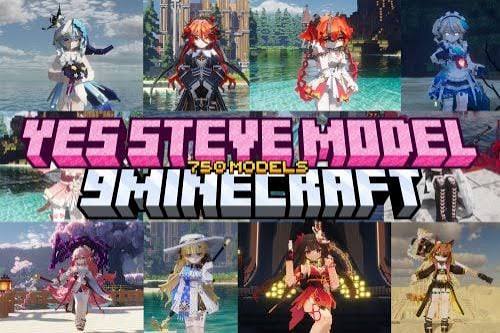
Model files, resource packs, and executable mods are different asset types. Confirm which system the model is designed for and whether that system supports your profile. A promotional image cannot establish compatibility or permission to redistribute the underlying asset.
Consider multiplayer visibility
Other players may need the same supported setup to see a custom appearance. Ask the server operator which cosmetic systems are allowed before assuming a local preview will appear for everyone. Test walking, equipment, and camera perspectives with a friend in a controlled session.
Review usability as well as appearance
Inspect the model in first person and third person, with armor equipped and during common actions. Look for clipping, obstructed views, or distracting animations. Keep a standard appearance available while diagnosing issues, and preserve the original files before experimenting with edits.