
Testing Combat Mods and Custom Controls
Evaluate new combat mechanics with controlled tests, clear key bindings, and a reliable baseline profile.
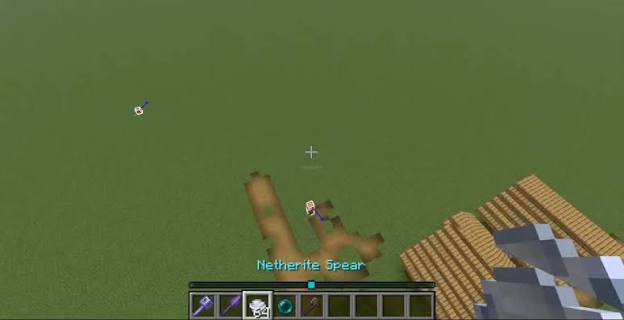
Test mechanics away from valuable builds
New combat items can behave differently from familiar tools. Use a separate test world to inspect range, timing, and interaction with terrain. The featured screenshot illustrates an item in play; it does not establish a specific recipe or damage value.
Review the controls menu
Check whether the mod adds new key bindings or changes an existing action. Resolve conflicts before interpreting an unresponsive key as a broken mechanic. Test common actions with the same input settings you intend to use during normal play.
Compare a clear baseline
Try the new item against a repeatable test scenario rather than relying on a single dramatic encounter. Keep the difficulty and other relevant settings consistent. If multiple combat mods are installed, test them individually before evaluating their combined behavior.
Document the configuration you keep
Write down any timing, visual, or input settings you adjust. If a problem occurs after an update, compare the current setup with the last working version. Preserve a backup before removing a mod that adds items already stored in a world.